
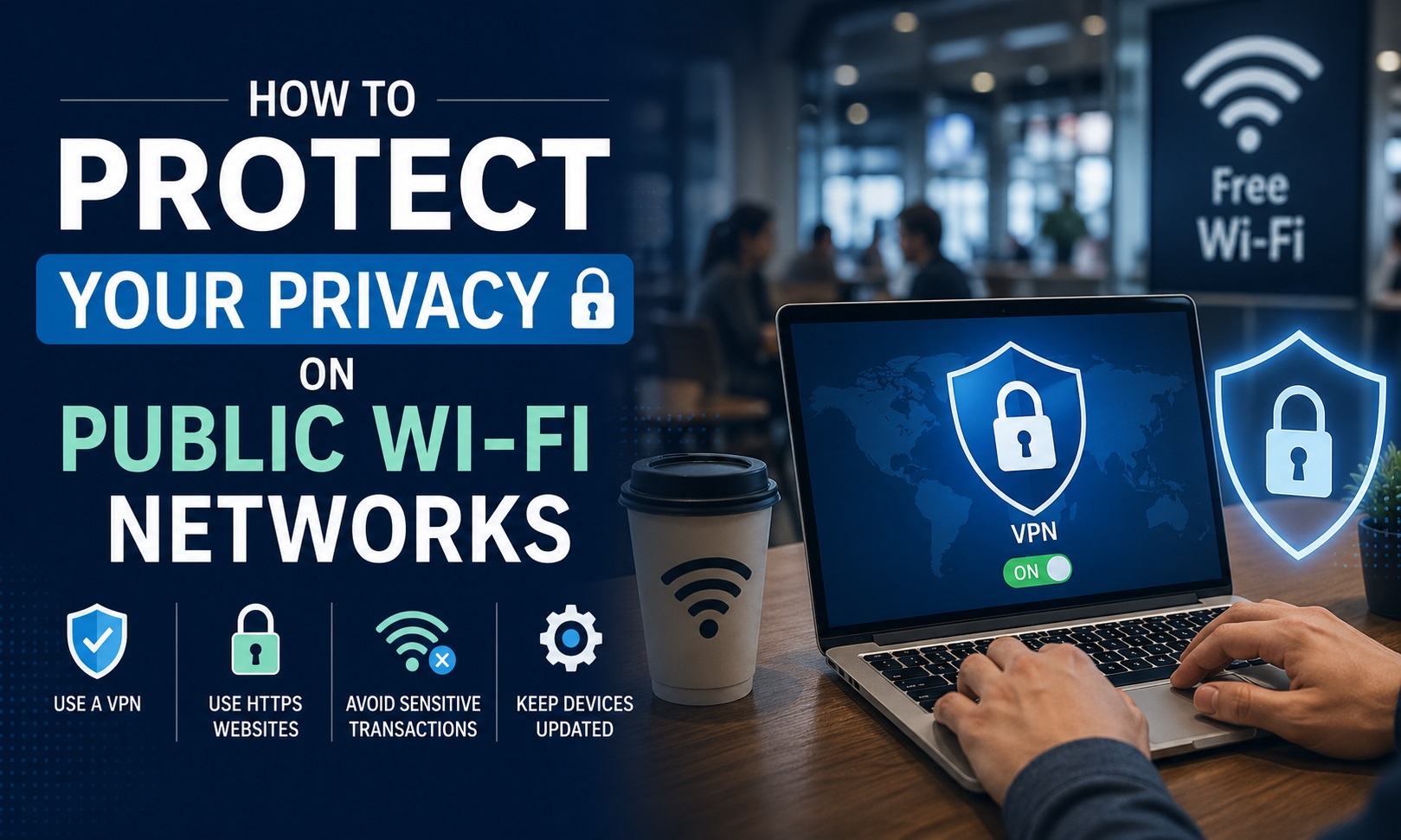
Public Wi-Fi is convenient, but it carries real risks. Coffee shop networks, airport hotspots, hotel connections, and library internet access are all open or weakly secured networks where your traffic is potentially visible to other users and network operators. A VPN is the most practical tool for addressing this risk in everyday situations.
Not all VPNs are equally suited to privacy protection. Free VPNs in particular often log user activity or display ads based on browsing behaviour, which undermines the purpose of using one. For users who spend significant time on public networks for work or personal use, taking the time to research best privacy vpns before committing to a provider makes a practical difference to the level of protection you actually receive.
What Public Wi-Fi Actually Exposes
On an open Wi-Fi network, data transmitted without HTTPS encryption is readable by other users on the same network. Even on HTTPS sites, metadata can be observed, including which sites you visit, connection timing, and the volume of data transferred. DNS queries, the lookups your device makes to convert domain names into server addresses, are often unencrypted by default and visible to the network operator.
What a typical public Wi-Fi user is potentially exposing:
- Login credentials on any site not use HTTPS
- DNS queries reveal browsing destinations even on encrypted sites
- Device identification information sent during network connection
- Session tokens if traffic is intercepted mid-session on a compromised network
- Email metadata if using an unencrypted mail protocol
What a VPN Actually Does on Public Networks
A VPN encrypts all traffic between your device and the VPN server before it leaves your device. Anyone on the local network sees only encrypted data going to an anonymous server address. They cannot see destination sites, traffic content, or your login activity. DNS queries also route through the encrypted tunnel when the VPN is properly configured.
Benefits in a public Wi-Fi context:
- Hides browsing destinations from other users on the same network
- Encrypts data in transit, preventing interception of readable content
- Protects DNS queries from local network snooping
- Masks your real IP address from sites you visit during the session
What to Look for in a Privacy-Focused VPN
The features that matter most for protecting privacy on public networks are specific and worth checking before subscribing:
- No-logs policy: the provider retains no records of your activity or connection metadata
- Kill switch: cuts internet access automatically if the VPN connection drops unexpectedly, preventing unprotected traffic from leaking
- DNS leak protection: ensures DNS queries route entirely through the encrypted tunnel
- Jurisdiction: Providers based outside major surveillance agreements face fewer legal obligations to log or hand over user data
- Independent audits: third-party audits confirm that claimed privacy practices are actually in place
NordVPN, Mullvad, and ProtonVPN are consistently recommended for privacy use cases. Mullvad is notable for not requiring an account email address at signup, which further reduces the data trail.
Using a VPN on Mobile in Public Places
Mobile devices connect to public Wi-Fi automatically in many cases and carry more sensitive information than most laptops: banking apps, two-factor authentication codes, health data, and personal messaging. Mobile VPN apps for iOS and Android work identically to their desktop counterparts and cover the same traffic types.
Situations where mobile VPN use is particularly relevant:
- Airport transit lounges during long layovers
- Hotel Wi-Fi, especially when travelling in countries with limited data privacy frameworks
- Working sessions at cafes involving client accounts or financial platforms
- Any network where the operator or other connected users are unknown
Why Free VPNs Are a Specific Risk in This Context
Free VPN services have a documented track record of problems. Logging user data and selling it to advertising networks, injecting ads into browsing sessions, providing weak encryption, and in some cases selling user bandwidth to third parties are issues that have been reported across multiple free VPN providers.
For users who regularly rely on public networks for work or financial activity, a paid privacy VPN from a reputable provider removes the risk that the VPN itself is the problem.