TV spying on you is a real concern for many consumers today. With smart TVs becoming more common, privacy issues have arisen that users need to address.
What Does it Mean if Your TV is Spying?
The concept of your TV spying on you raises significant privacy concerns for many consumers. When we refer to a TV spying on you, we mean that modern smart TVs often collect data about viewing habits, preferences, and even voice commands through built-in microphones and cameras.
This data collection can occur without explicit consent, leading to questions about how much personal information is being shared with manufacturers and third-party advertisers. Some smart TVs can track:
- Your viewing history, including shows and movies you watch.
- Your interactions with voice-activated features.
- Information about other devices connected to your home network.
While many users may find this data collection harmless, it poses risks of unauthorized surveillance and data breaches. Furthermore, the lack of transparency in privacy policies can leave consumers unsure of how their information is being used.
To protect yourself from your TV spying on you, it’s essential to adjust your privacy settings, disable unnecessary features, and regularly review the permissions granted to your smart TV. Taking these steps can enhance your privacy and ensure a safer viewing experience.
How to Check if Your TV is Listening
As concerns grow about privacy, many people are asking, “Is my TV spying on me?” To determine if your television is listening to your conversations, follow these simple steps:
- Check the Settings: Navigate to the settings menu of your TV. Look for options related to voice recognition or voice commands. If these features are enabled, your TV may be actively listening.
- Review Privacy Policies: Look for the privacy policy provided by the manufacturer. This document often outlines what data is collected and how it is used. Pay close attention to sections regarding audio and video recording.
- Inspect Connected Devices: If you have external devices connected to your TV, such as streaming boxes or game consoles, check their privacy settings as well. These devices may also have microphones that could contribute to potential spying.
- Unplug the TV: If you’re still concerned, a simple way to ensure your TV isn’t spying on you is to unplug it when not in use. This will prevent any unauthorized access to your device.
By taking these steps, you can protect your privacy and ensure that your TV isn’t spying on you.
Steps to Secure Your Smart TV
If you are concerned about the possibility of your TV spying on you, taking steps to secure your smart TV is essential. Here are some effective actions you can take:
- Disable Voice Assistants: Most smart TVs come with built-in voice assistants that may be listening to your conversations. Go to the settings menu and turn off any voice recognition features.
- Adjust Privacy Settings: Review your TV’s privacy settings to limit data collection. Turn off options that allow the TV to share usage data with third parties.
- Update Firmware: Regularly check for software updates. Manufacturers often release updates to fix security vulnerabilities that could be exploited.
- Network Security: Ensure your home Wi-Fi network is secure by using strong passwords and enabling encryption. Consider setting up a guest network for your smart devices.
- Unplug When Not in Use: If you’re particularly concerned about privacy, unplugging your TV when it is not in use can eliminate the risk of it spying on you.
By following these steps, you can significantly enhance your privacy and reduce the chances of your TV spying on you.
The Risks of Smart TVs
As smart TVs become increasingly integrated into our daily lives, the risks associated with TV spying on you have garnered significant attention. These devices often come equipped with features that can collect personal data, raising concerns about privacy and security.
Many smart TVs are designed to enhance user experience, but they can also expose users to various risks:
- Data Collection: Smart TVs often collect viewing habits, preferences, and even voice commands, which can be used for targeted advertising or shared with third parties.
- Inadequate Security: Many models lack robust security measures, making them susceptible to hacking and unauthorized access.
- Unintentional Surveillance: Features like voice recognition can inadvertently record conversations, posing a threat to your privacy.
As consumers become more aware of these risks, it is crucial to understand how to protect yourself. Regularly updating your TV’s software, disabling unnecessary features, and reviewing privacy settings are essential steps in mitigating potential harm. By taking these precautions, you can enjoy the benefits of a smart TV without compromising your privacy.
User Experiences with TV Surveillance
Many users have reported unsettling experiences with their smart TVs, raising concerns about the phenomenon of TV spying on you. Complaints often center around unexpected ads that seem oddly relevant to recent conversations, suggesting that these devices may be listening more than they should.
One user shared an alarming incident where their TV began displaying targeted advertisements for products they had only discussed in private. This led them to wonder if their device was monitoring their conversations without consent. Another individual recounted receiving notifications about shows they had not searched for, prompting fears about the extent of data collection by their TV.
In response to these concerns, some users have taken drastic measures, such as unplugging their smart TVs or switching to older models that lack internet connectivity. Others have opted for more secure settings, adjusting privacy controls to limit data collection.
Experts recommend being proactive about your privacy. Regularly reviewing your device’s settings and terms of service can help mitigate the risks associated with potential TV spying on you.
Regardless of the precautions taken, the experiences shared by users highlight the need for greater awareness and transparency regarding smart TV functionalities.
Expert Tips on Privacy Protection
As concerns grow about smart devices, many users are left wondering how to protect their privacy. Here are some expert tips on privacy protection to ensure that your TV isn’t spying on you.
- Review Privacy Settings: Start by diving into your TV’s settings menu. Look for options related to voice recognition, data collection, and advertising preferences. Disabling unnecessary features can significantly enhance your privacy.
- Disconnect from the Internet: If you’re not using smart features, consider disconnecting your TV from Wi-Fi. This simple action can prevent your TV from sending data back to manufacturers.
- Use a Firewall: Installing a firewall on your home network can help monitor and control the data that your TV transmits. This adds an extra layer of protection against potential spying.
- Keep Software Updated: Regularly check for firmware updates from your TV manufacturer. These updates often include security patches that address vulnerabilities.
- Cover the Camera: If your TV has a built-in camera, ensure it is covered when not in use to further protect your privacy.
By following these tips, you can significantly reduce the chances of your TV spying on you.
Many users are unaware of the extent of TV spying on you, which can lead to serious privacy concerns. Fortunately, there are simple steps you can take to mitigate the risks associated with TV spying on you.
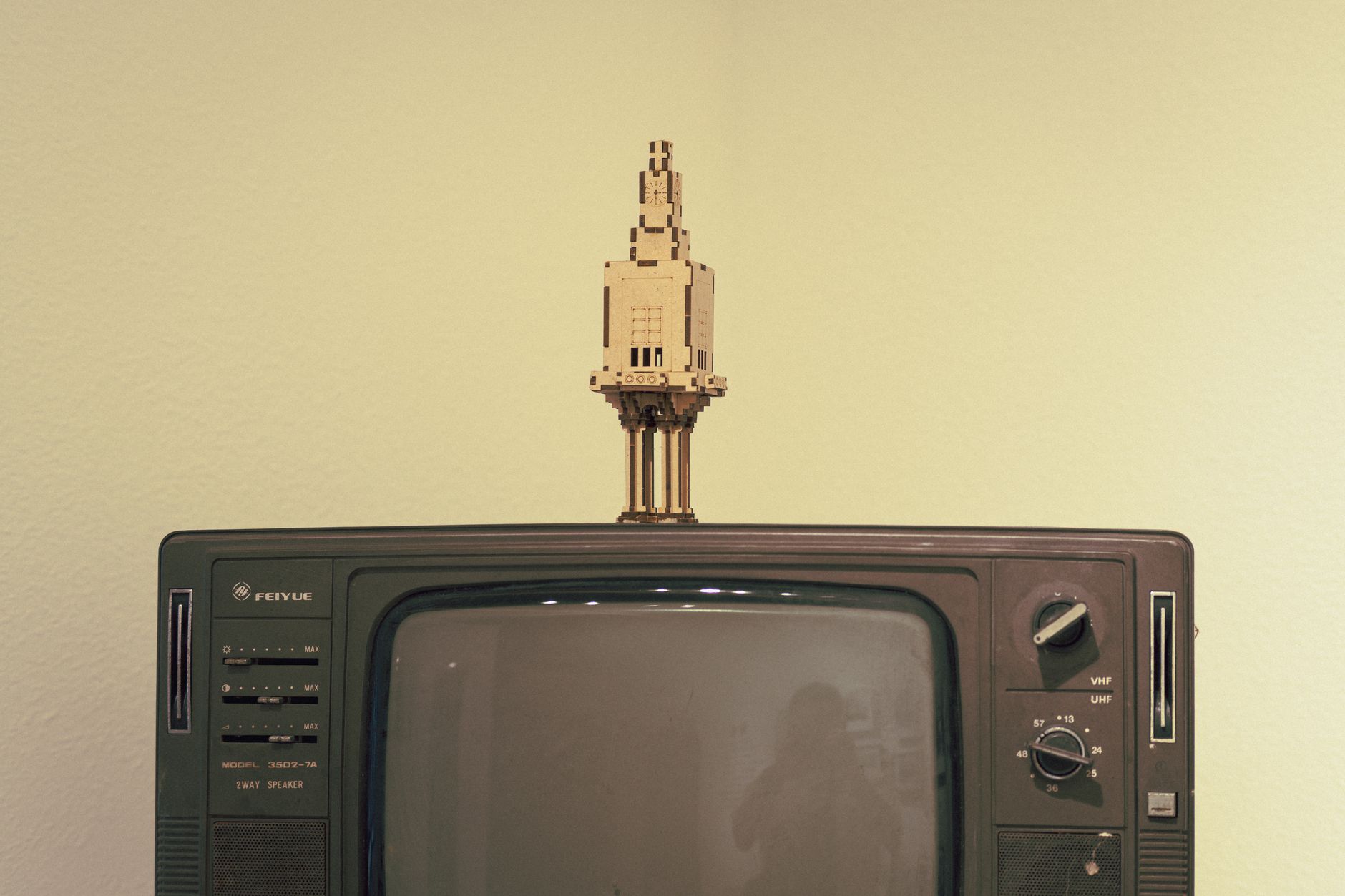
Photo by Matthew Jesús on Pexels